How long does it take to build a mobile app?
Typical timelines by app size, what happens in each phase, the decisions that stretch or shrink a schedule, and how to get a first version out sooner.
“When can it be in the App Store?” is the question that shapes almost every app project. The honest answer depends on a few decisions you control: how much goes into the first version, which platforms it targets, how it’s built, and what it has to connect to. This guide covers typical timelines, what fills them, and how to launch sooner without cutting corners.
The short answer: figures published by other app studios put most apps at about 3 to 7 months from kickoff to store launch: simple apps in about 1 to 4 months, medium-complexity apps in about 4 to 7 months, and complex products in about 5 to 12 months or more. Where yours lands depends on the decisions below.
Typical timelines
Two recent guides from app studios give a sense of the ranges:
- MindInventory puts the average at 3 to 7 months: simple apps in 1–3 months, medium-complexity apps in 4–6 months, and complex apps in 9–12 months or more. (MindInventory, September 2026)
- Topflight puts the average at 4 to 6 months: simple apps in 2–4 months, medium-complexity apps in 4–7 months, and a complex product’s first version in 5–9 months. (Topflight, September 2025)
These are other studios’ figures, and your project could sit anywhere in them. What matters is what moves a project from one end to the other.
Where the time goes
Most projects move through the same phases:
- Discovery. Agreeing who the app is for, what the first version must do, and what can wait. Short, but it saves the most time later.
- Design. User journeys, screens and a clickable prototype you can try on your phone before anything is built.
- Build. The app, its backend and its integrations. This is the longest phase by far.
- Testing. On real phones, both platforms, different screen sizes and poor connections.
- Store submission. Listings, screenshots, privacy details and review by Apple and Google, which can come back with questions.
Phases overlap in practice. Design for later screens can continue while the first ones are being built, and testing runs throughout rather than only at the end.
What makes an app take longer
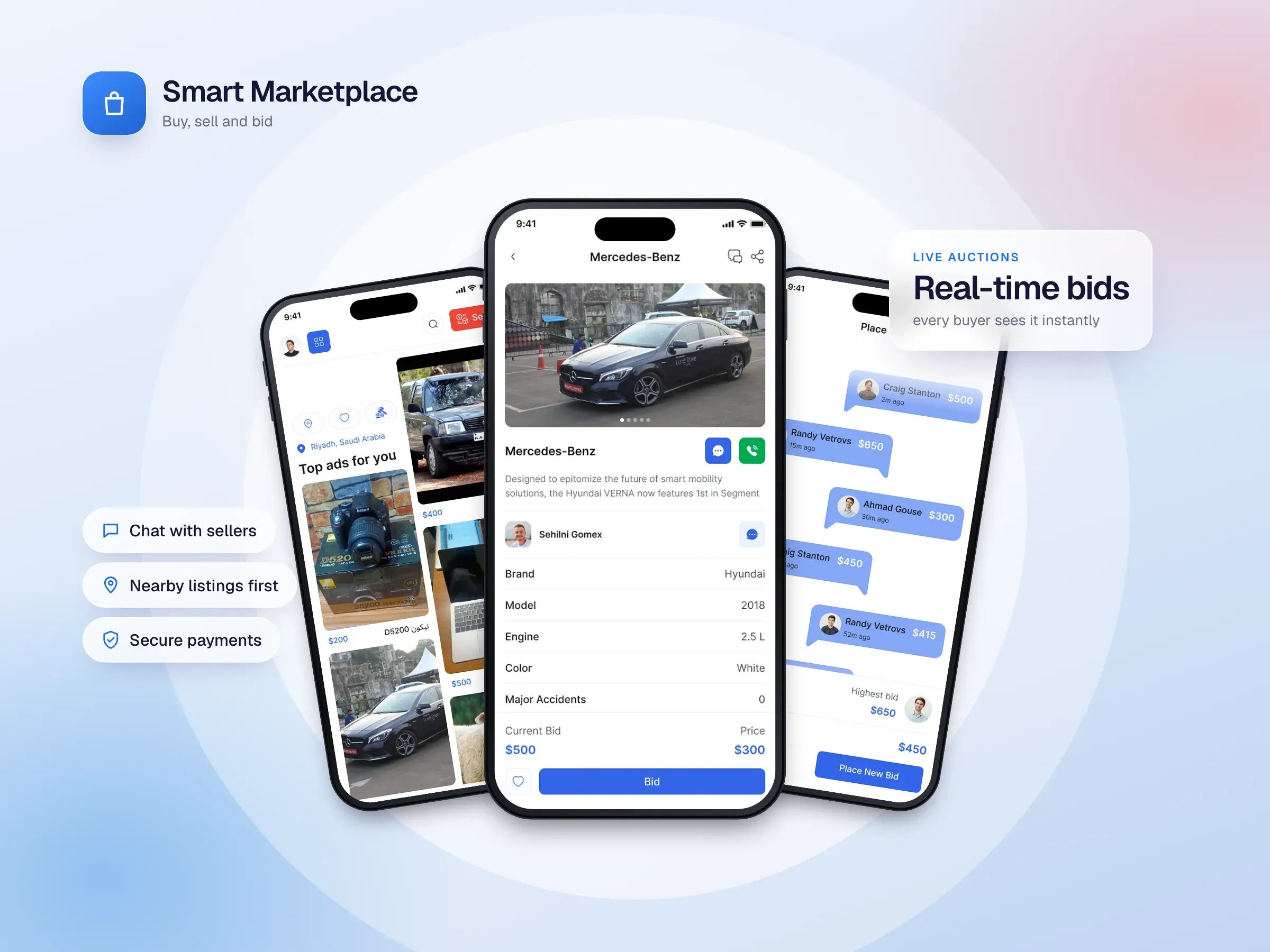
Features that happen in real time. Live chat, bidding and anything where several people must see the same thing at once take much more work than screens that just show data. Smart Marketplace is a good example: its live auctions and instant buyer–seller messaging run over Socket.IO with a custom Node.js backend, MongoDB and Redis.
Your own backend. A custom server and database give you full control, but they’re a project in themselves. Services like Firebase provide sign-in, data, storage and notifications out of the box, which shortens the schedule for many apps.
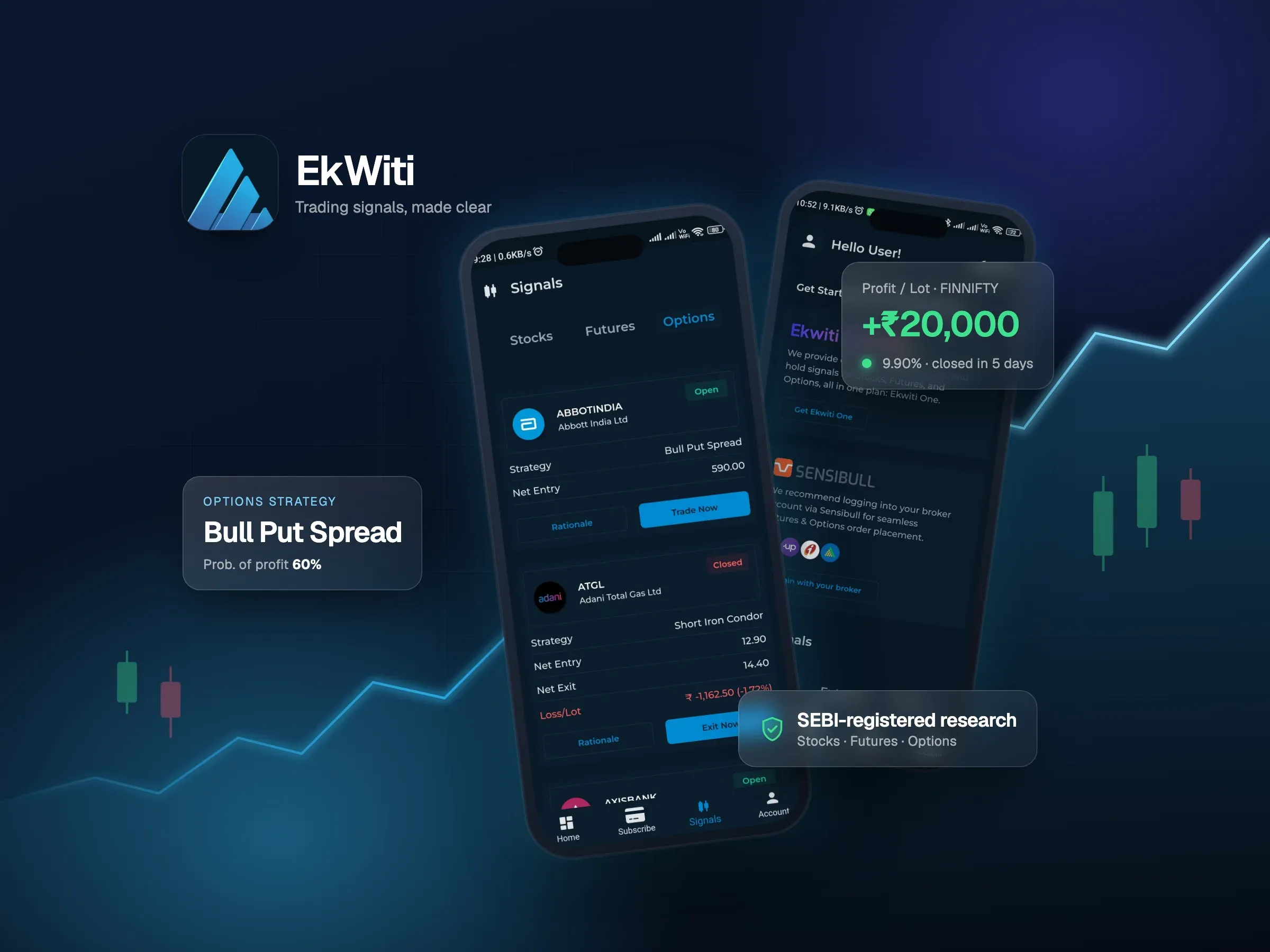
Payments and third-party services. Each integration, like a payment provider, a maps service or a data feed, adds setup, error handling and testing. EkWiti, for example, connects to RazorPay for payments, live market data and Sensibull.
Two separate native apps. Building iOS and Android separately roughly doubles the app work. A cross-platform framework like Flutter builds both from one codebase.
Unclear or changing scope. The biggest delays usually come from decisions made late, not from the code.
How to launch sooner
- Start with the smallest useful release. Pick the one job the app must do well for its first users. Everything else goes on a roadmap.
- Build cross-platform. One Flutter codebase for iOS and Android is usually faster than two native apps.
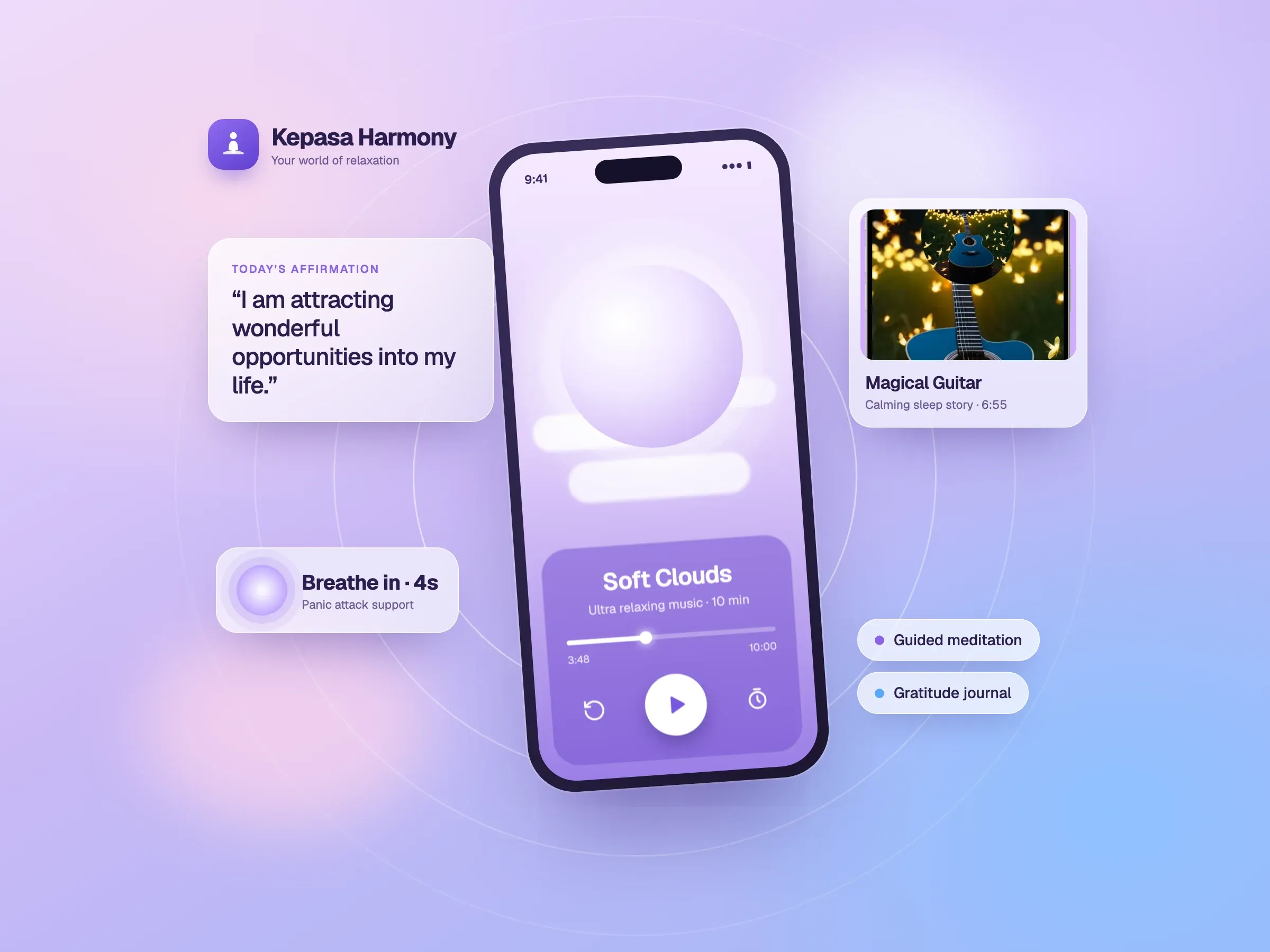
- Use a visual builder where it fits. For apps made mostly of standard screens on Firebase, FlutterFlow can shorten the build further. Kepasa Harmony and EkWiti were both built with FlutterFlow and Firebase.
- Use managed backend services instead of building everything from scratch.
- Decide quickly. Weekly check-ins with test builds on your own phone keep decisions moving.
- Prepare the store listing early. Screenshots, descriptions and privacy details can be ready before the build is finished.
Planning the store launch
Apple and Google both review apps before they go live. Reviews are often quick, but a rejection means changes and a resubmission, so leave a buffer before any launch date you’ve announced. Apps that handle payments, health or finance data, or user-generated content tend to get closer scrutiny, so it pays to prepare those details carefully.
Getting a real estimate
A reliable timeline comes from a short discovery conversation: what the first version must do, who uses it, which platforms matter, and what it has to connect to. From that, a studio can give you a written plan with a clear scope and timeline, and show you where it could move faster. For what drives the price, see our guide to how much it costs to build an app.