How much does it cost to build an app? What drives the price
Published app development cost ranges, the factors that move the price most, what an app costs to keep running each year, and how to keep a first version affordable.
In short: figures published by app studios in 2026 put a simple app at roughly $15,000 to $60,000, a medium-complexity app at roughly $50,000 to $180,000, and complex products from about $160,000 to $500,000 or more. On top of that, plan for about 15 to 25% of the build cost every year to keep the app running. Where your app lands depends on a handful of decisions you control, and most of them can be made before anyone writes a line of code.
“How much will it cost?” is the first question almost everyone asks about an app, and the honest answer is that it depends. This guide shows the ranges other studios publish, explains what moves the price, and shows how to keep the first version affordable.
What studios publish
Two recent guides from app studios give a sense of scale:
- Topflight puts a simple app at $40,000 to $50,000, a mid-size app at $50,000 to $70,000, a large app at $80,000 to $140,000 and a complex app at $160,000 to $210,000, with enterprise builds starting at $250,000. (Topflight, September 2026)
- DashDevs puts a simple app at $15,000 to $60,000 (1 to 4 months), a medium-complexity app at $60,000 to $180,000 (4 to 9 months) and a complex app at $180,000 to $500,000 or more (9 to 18 months or more). (DashDevs, June 2026)
These are other studios’ figures, not a quote from us, and both are written from a US point of view. Rates vary a lot with where the team is based. The spread is wide because “an app” can mean anything from a few screens to a full platform. The rest of this guide explains what puts a project at the low or the high end.
The factors that move the price most
1. What the first version has to do
The number of screens and features is the biggest single factor. Every feature needs design, code, testing and a place in the backend. The cheapest feature is the one left for a later release. Our guide to MVP app development covers how to decide what belongs in the first version.
2. Platforms
Building separate native apps for iPhone and Android means two codebases. A cross-platform framework like Flutter builds both from one codebase, which usually costs noticeably less and keeps the two versions in step. Native development is worth the extra when an app leans heavily on the camera, sensors, background work or complex animation.
3. The backend
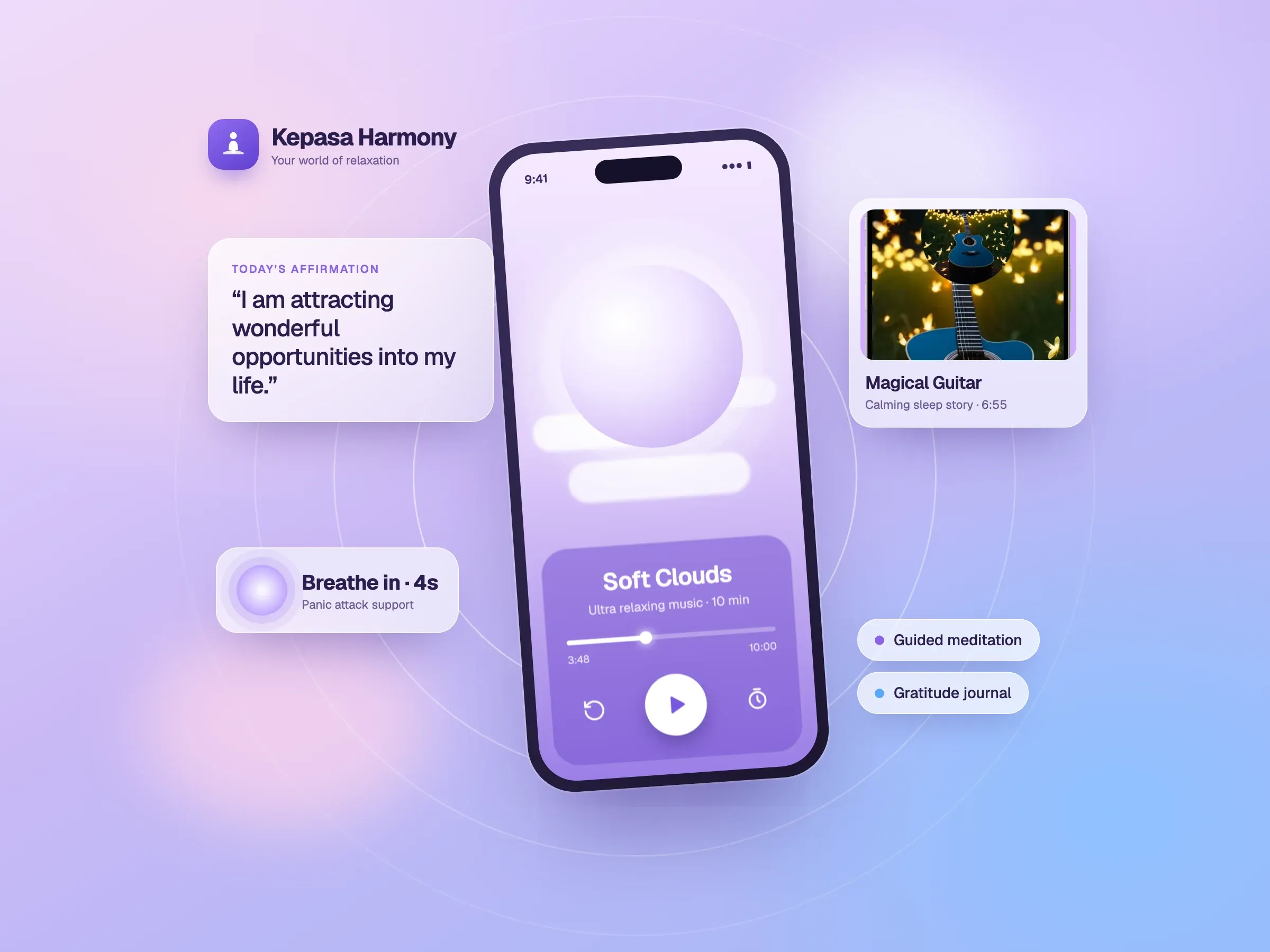
Apps made mostly of standard screens, such as sign-in, profiles, lists, forms and notifications, can run on a managed backend like Firebase, which shortens the build. Kepasa Harmony, a meditation app, was built with FlutterFlow and Firebase. Apps with heavy custom logic need their own server and database, which is a project in itself.
4. Real-time features
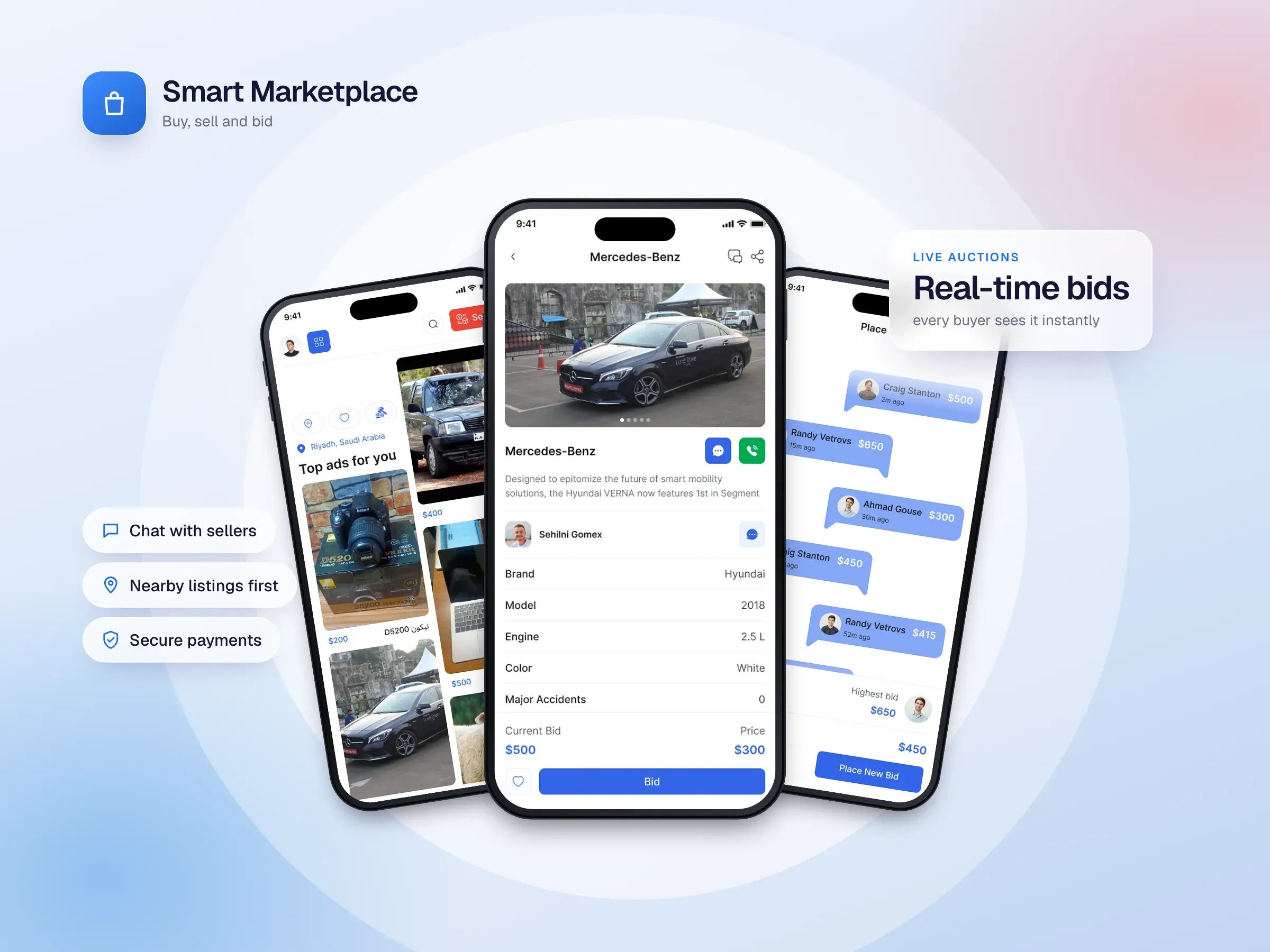
Live chat, bidding and anything where several people must see the same thing at once take far more work than screens that only show data. Smart Marketplace runs its live auctions and buyer–seller messaging over Socket.IO with a custom Node.js backend, MongoDB and Redis. That’s the right choice for an auction app, and it costs more than a standard backend.
5. Payments, security and compliance
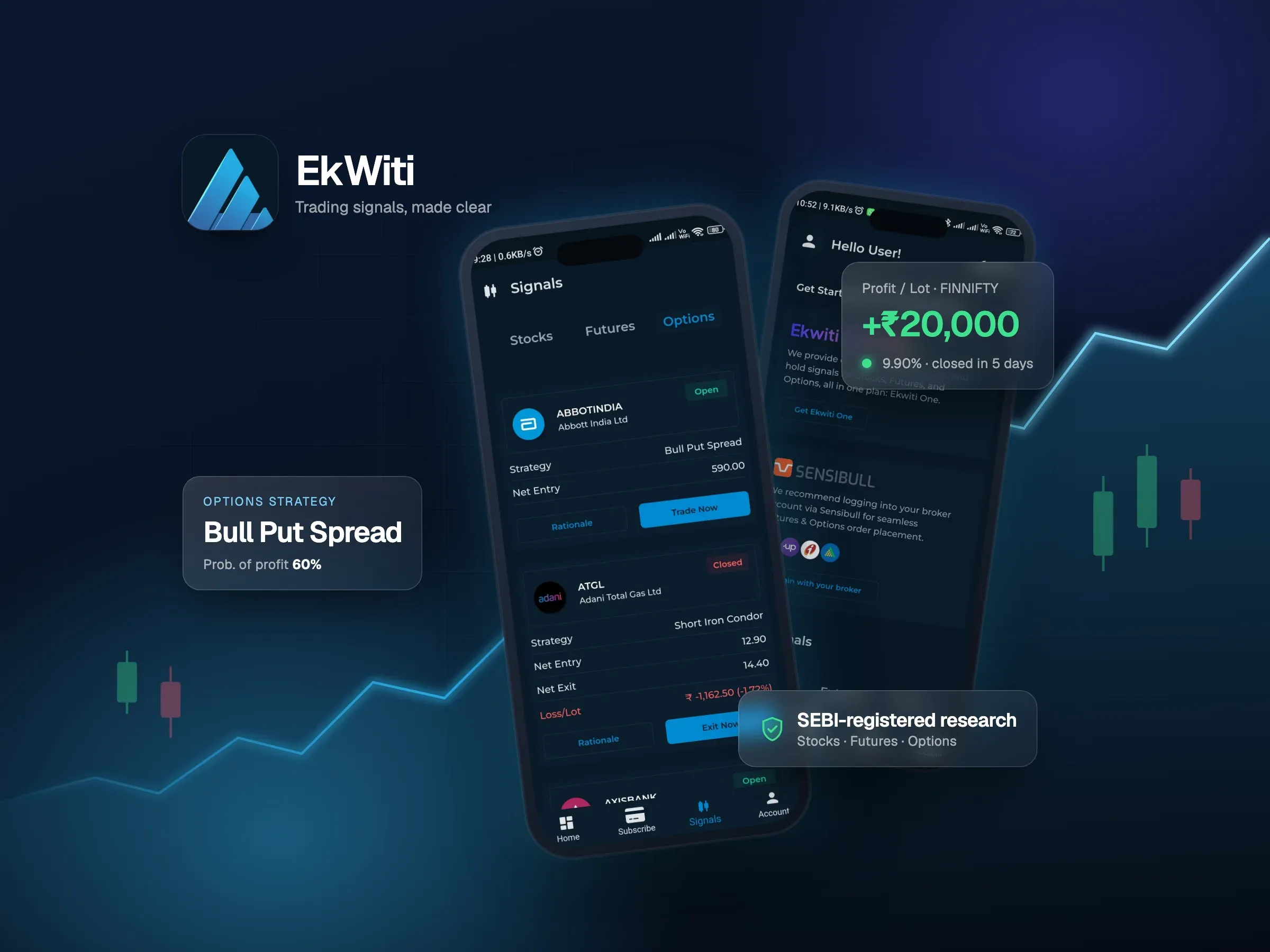
Taking payments means integrating a payment provider, handling subscriptions and refunds, and protecting user data. Regulated products cost more again. EkWiti, a SEBI-registered trading signals app, needed audit logs, records and compliance reports in its admin panel from the start.
6. The back office
Most apps need a side only your team sees, for publishing content, managing users and handling payments. It’s often forgotten in early budgets and then built in a hurry. Our admin dashboard checklist lists what it usually needs.
7. Design and polish
A clean, consistent interface built from a design system costs less than a heavily custom one with unusual animation on every screen. Both are valid choices, but they’re different budgets.
8. Integrations
Every connection to another system, such as a CRM, booking tool, maps, market data or a hardware device, adds work. That work grows when the other system is old, poorly documented or changes often.
What an app costs after launch
Building the app is only part of the cost. Plan for:
- Maintenance: updates for new iOS and Android versions, new devices, store rules and bug fixes. The two guides above put this at about 15 to 20% (DashDevs) and about 25% (Topflight) of the original build cost each year.
- Hosting and services: servers or Firebase usage, email, push notifications, maps and other paid APIs, which grow with your users.
- Store accounts: Apple’s developer program has a yearly fee, and Google Play charges a one-time registration fee.
- New features: most successful apps keep improving after launch, based on what users actually do.
How to keep the first version affordable
- Launch the smallest useful version, and put everything else on a roadmap.
- Use one cross-platform codebase unless the app truly needs native.
- Use managed services for sign-in, payments, email and hosting instead of building your own.
- Consider FlutterFlow for apps made mostly of standard screens. Our FlutterFlow vs Flutter guide explains when it fits.
- Plan the back office early, so your team isn’t doing by hand what software should do.
- Settle compliance questions first, if your market has them, so they don’t cause rework later.
Getting an accurate number
The only reliable number is one based on your app. After a free discovery call, we send a written proposal with a clear scope, timeline and price, so you know the cost before any work starts. For how long it usually takes, see how long it takes to build an app. If you’re planning an app, tell us about it.